Scenebrook features
Everything teams need to create, publish and manage immersive experiences.
Build interactive scenes in the browser, deliver them through WebXR, and keep content organized for education, training and AEC workflows.
Editor
Create rich interactive scenes without code
Author structured content with 3D assets, media, logic, spatial cues and interaction tools.
3D Editor
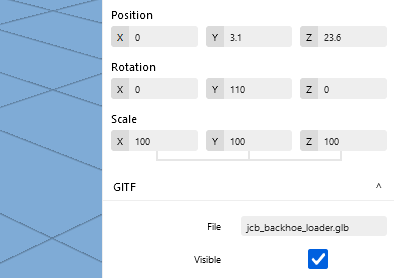
Create breathtaking immersive and interactive XR scenes with 3D models, interactions, physics, audio and much more.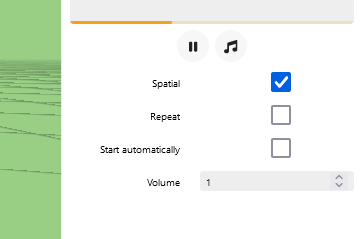
Spatial audio
Sound becomes three dimensional. Immerse your audience in a revolutionary audio experience with Spatial Audio technology.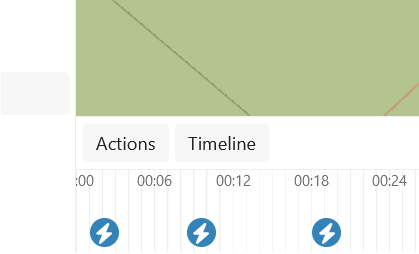
Timelines
Use the intuitive timeline feature to streamline story telling and synchronize events for a dynamics experience.
360 photo and video
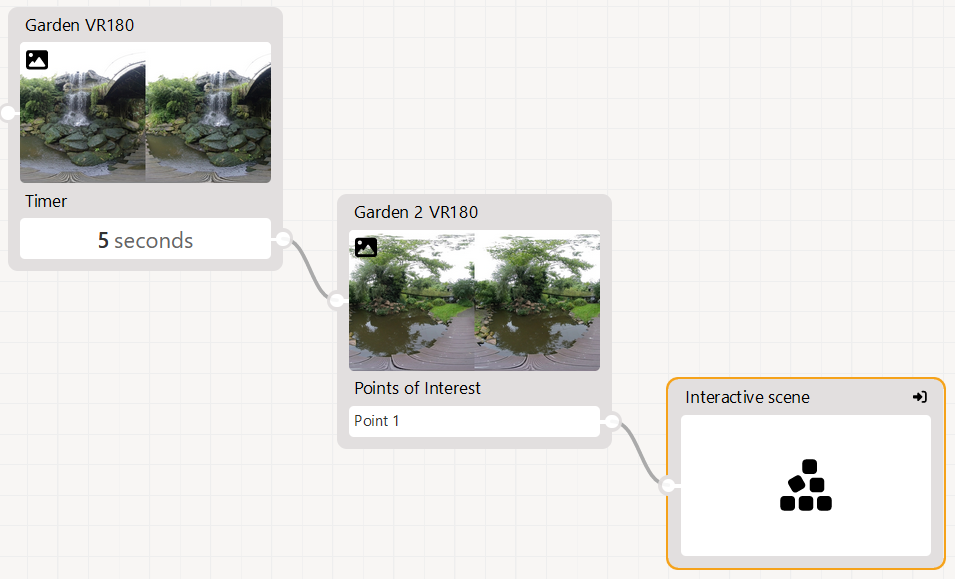
Seamless support for 180 and 360 degree photos and videos, mono- and stereoscopic, putting the power of panoramic content creation at your fingertips.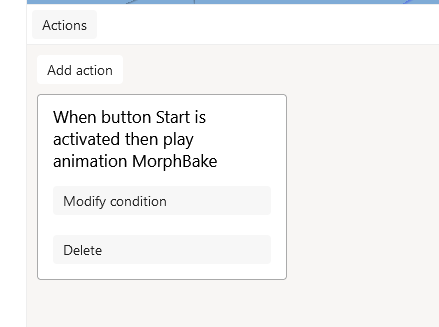
Event & Action system
Enhance your experience with the Event / Action system, simplifying the process of orchestrating interactive elements.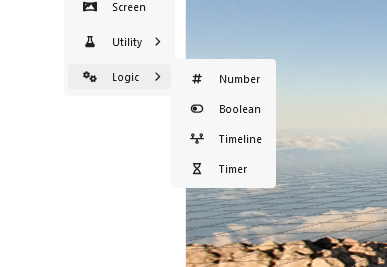
Variables & Logic
Customize and control the immersive environments without the need for code or extensive programming, by harnassing variables and conditional logic.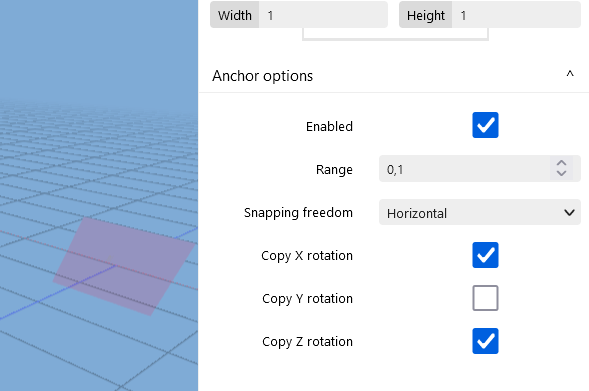
Anchors & Object snapping
Define the level of freedom of interaction, by strategically placing anchors in scenes, to which objects can be snapped.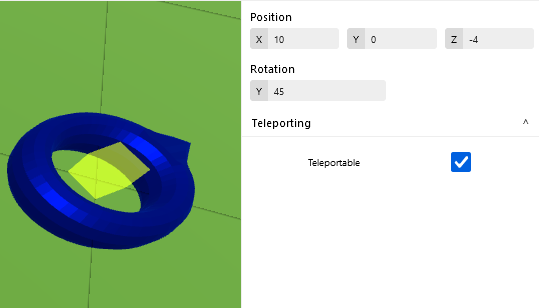
Waypoints
Define important places in the scene, to make teleporting to the right locations even easier.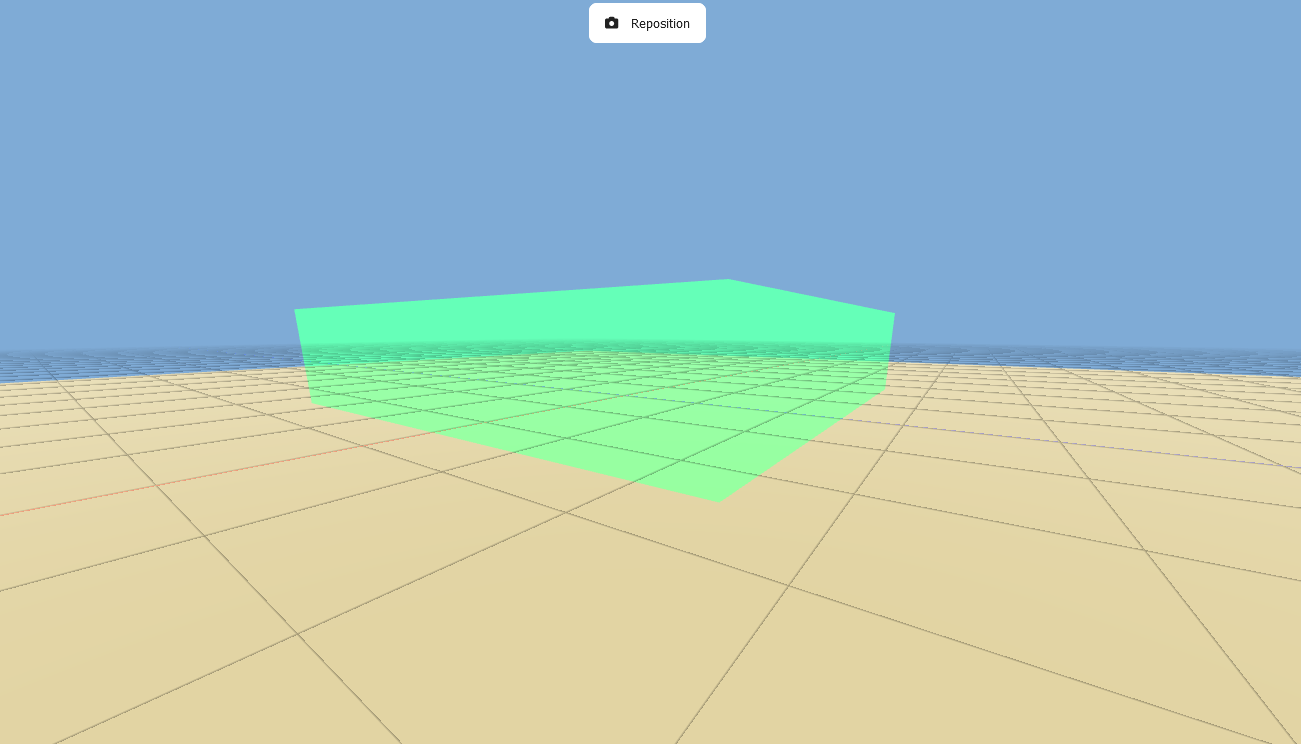
Zones
Define interaction zones that are teleportable and can be interacted with.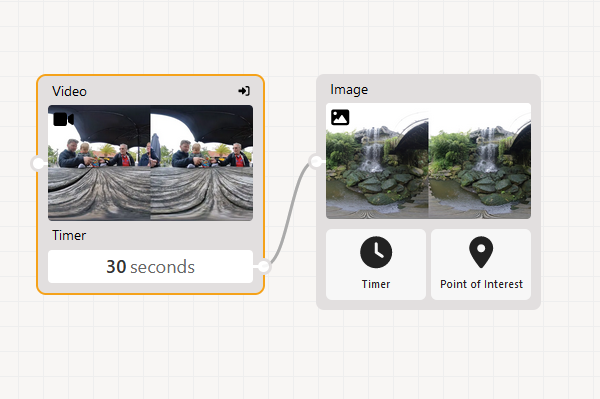
Video
Expand your environment with immersive video. Scenebrook supports VR180 video and can project videos onto a screen inside object scenes.
3D models
Import glTF, the industry standard for 3D models, into your scenes. Model review using Virtual Reality has never been easier.
Player
Deliver experiences across browser, VR and supported AR devices
Give audiences a polished WebXR player with realistic rendering, interaction and broad device support.
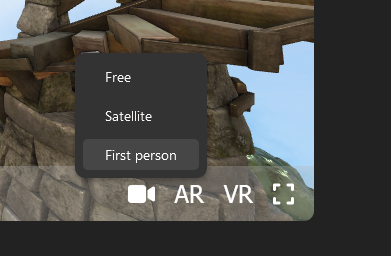
Web-based player
The Scenebrook player is cross platform and uses the Web-Based industry standard WebXR to support Web Inline, VR, AR and MR scenarios.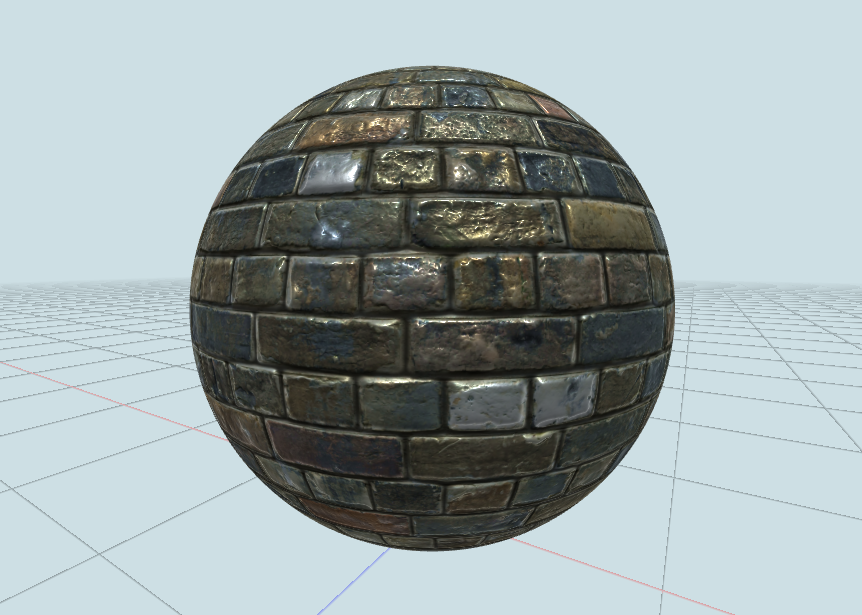
Realistic graphics
3D models are rendered using the Physically-Based Rendering technique, bringing Real-Time realism to the virtual environments.
Hand tracking
Elevate user interaction to a new level of naturalness with hand tracking, allowing for an intuitive and immersive experience where users can manipulate and engage with virtual environments using their hands, without the need for controllers.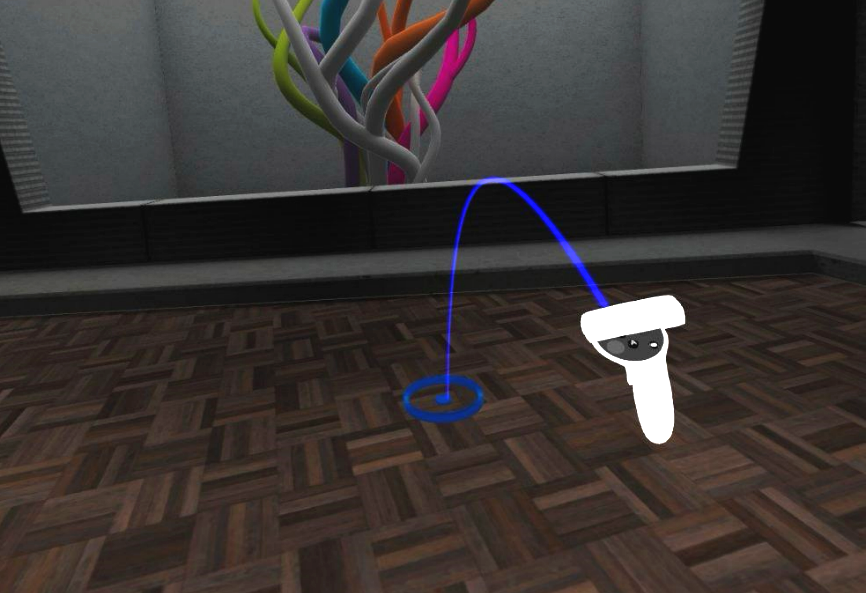
Teleporting
Move around in zones or to waypoints using the controllers in virtual reality.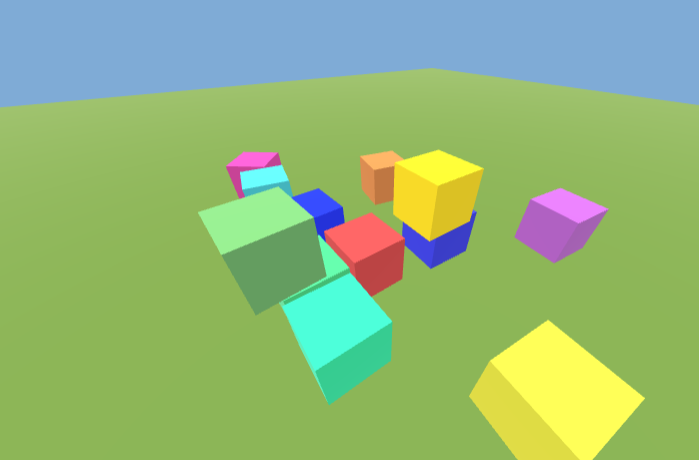
Physics
Bring realism to life in virtual worlds with the editor's physics engine, allowing objects to interact dynamically, creating an authentic and immersive environment.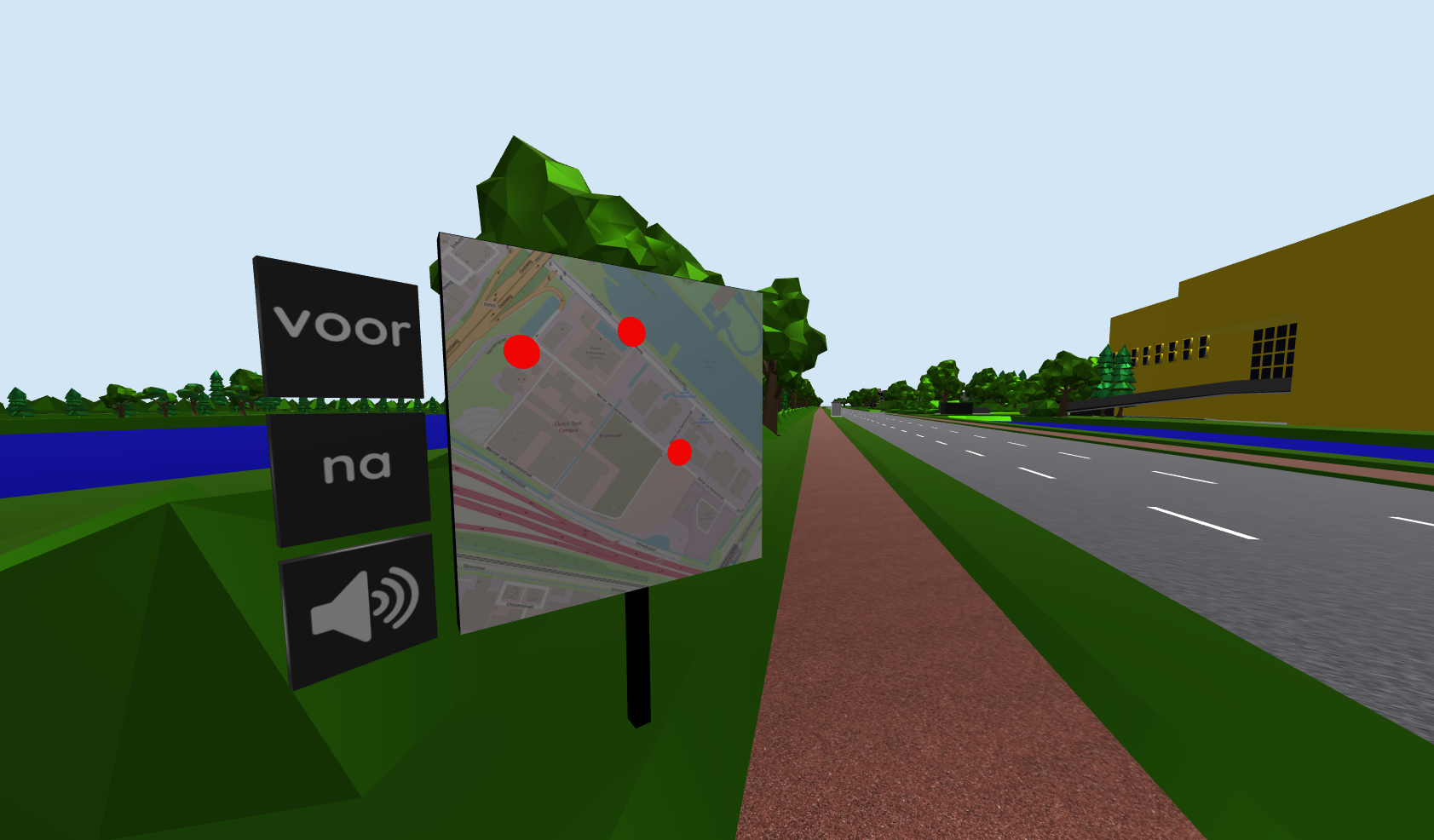
Object interaction
Enable lifelike experiences with seamless object interaction, providing a dynamic and immersive environment where every object responds intuitively to user actions.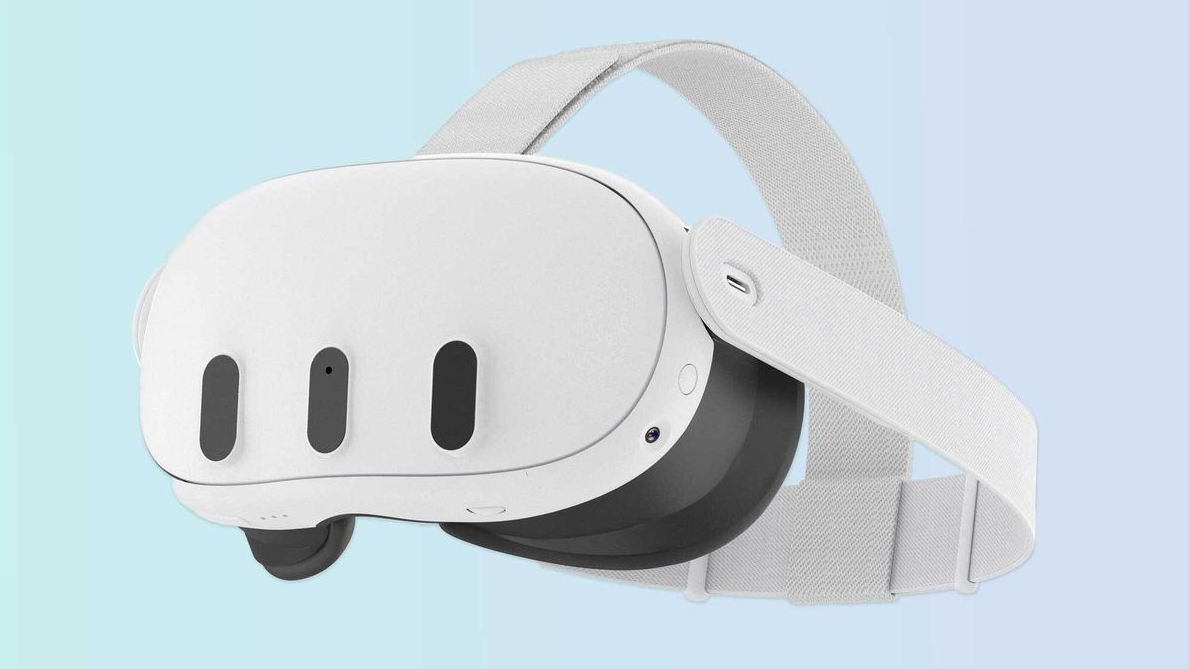
Wide hardware support
By harnassing the industry standard WebXR, Scenebrook supports a wide range of devices, including the Meta Quest 3 for Mixed Reality.
Management
Keep projects, media and teams organized
Manage collaboration, publishing, sharing and content visibility from one workspace.
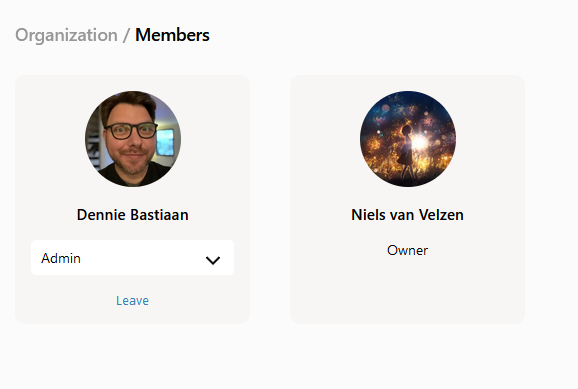
Collaboration
Boost creativity and productivity by inviting members of an organization to work together.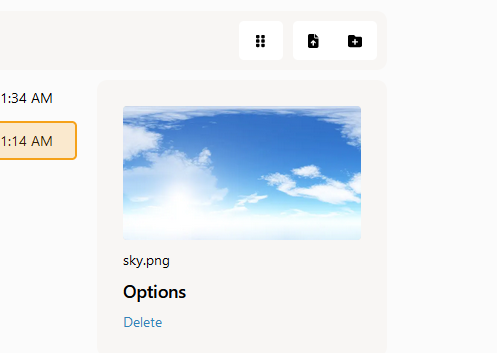
Media manager
Simplify content organization and enhance workflow efficiency with our Media Manager, a powerful tool in our editor that allows you to effortlessly manage and navigate through your multimedia assets for a seamless and organized creative process.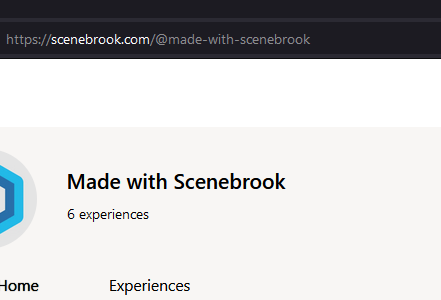
Public profile
Showcase your experiences through a public profile, providing a personalized space for users to highlight their projects, skills, and contributions in the immersive world.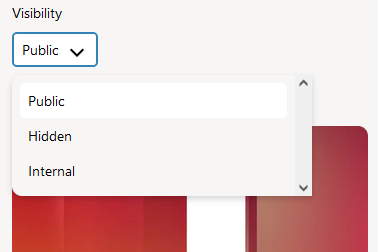
Publish visibility
You are in control of the experience visibility. Publish experiences publicly or privately, or keep them internally within an organization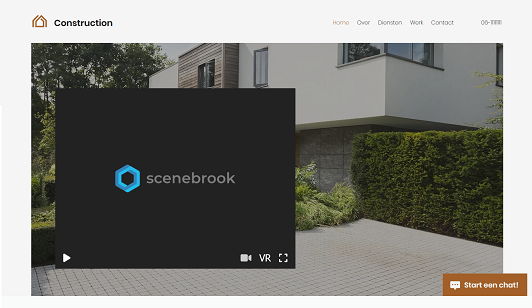
Embedding
Extend the reach of experiences effortlessly by utilizing Scenebrook's embedding capabilities, allowing you to seamlessly integrate and share your immersive experiences across various platforms and websites.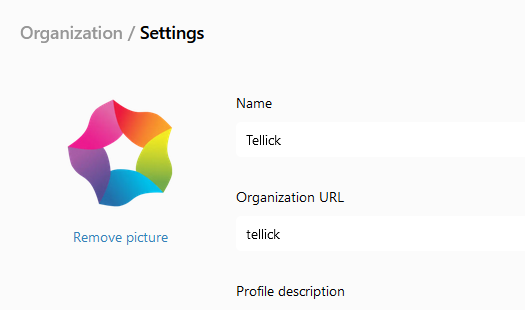
Organizations
Efficiently manage and collaborate on projects, offering a centralized hub for teams to coordinate efforts, share resources, and collectively build virtual experiences.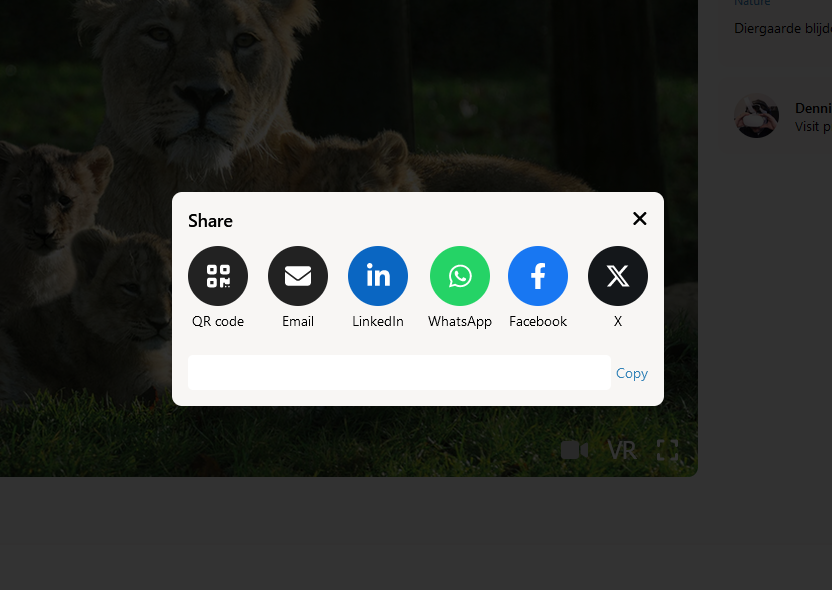
Sharing
Sharing an experience with others is as easy as sending a link through E-mail.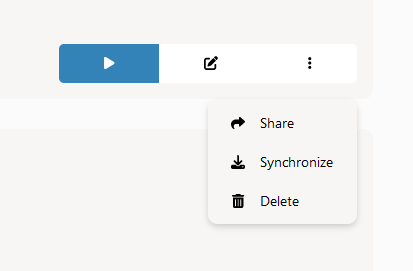
Offline synchronization
Ensure uninterrupted access with Scenebrook's local synchronization feature, providing seamless offline access to experiences, so you can continue anywhere without loading times.See how the platform fits your workflow
Book a focused walkthrough for your education, training or AEC use case.
Book a demo